
Awelgorithms
Learning platform · built with Rad UI
A place to learn algorithms that measures your skill and unlocks practice problems as you improve.
Visit Awelgorithms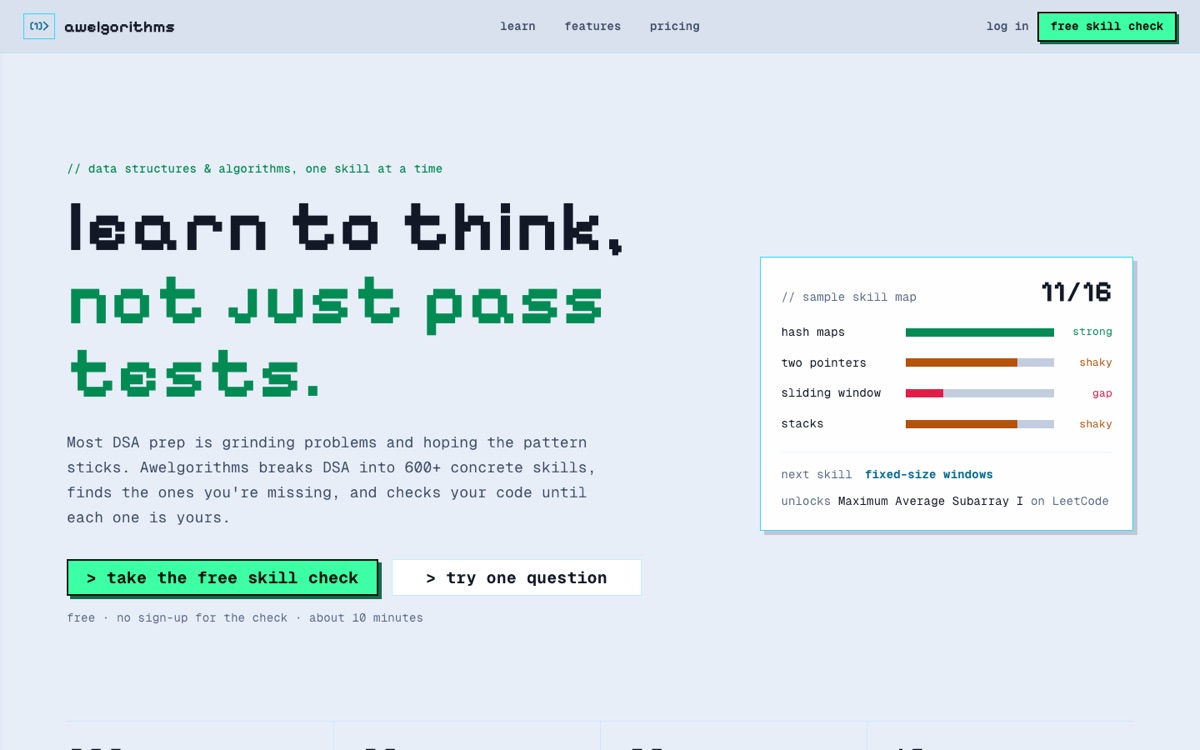
What is Awelgorithms?
Awelgorithms teaches algorithms step by step. It checks what you already know, takes you through lessons and roadmaps, and unlocks practice problems as your skills grow.
How does it use Rad UI?
Awelgorithms has its own hand-written look, so it uses Rad UI for behaviour only. Buttons and text fields are Rad UI parts carrying the app's own classes. The account menu and chat menus are DropdownMenus, the language picker is a Select, a lesson's views are Tabs, and the code editor's reset confirm is a Popover.
Before the move, the menus placed themselves, closed on outside clicks and handled Escape with hand-written code. Rad UI does all of that now, and adds arrow-key navigation the hand-written menus never had.
What broke?
Wrapping elements again. DropdownMenu.Content puts its items in an inner scroll div, and Select.Item wraps its children in a text span. Both broke the app's grid and flex layouts until the wrappers were unwrapped in CSS. Menu placement also lives on the Root, not on Content as it does for Popover and Tooltip.
Components used
- Button
- TextField
- TextArea
- Select
- DropdownMenu
- Popover
- Tabs